Wednesday, January 26, 2011

self portrait, illustrative style

^^ Here is my first self portrait image. I started with a sketch and then outlined it, as you can see below. The outline had a nice illustration/cartoon pen and ink quality, so I decided to run with it. I tried to make the shading mimic an ink wash, using the bleedy-watercolory brush that I created for our first assignment. I think the jpeg compression killed the effect a little bit, but the printout looks better.


The image below is my first attempt that I created over the weekend. As you can clearly see, it looks nothing like me. As I was drawing, I was increasingly distressed by the non-resemblance (and I was indeed drawing from a mirror), so I ended up with this picture of a random worried-looking girl. However, I'm somewhat happy with the chalk pastel effect that I got with my homemade brush, so I decided to share it:

more brushes!


The first brush I created was the dot tutorial. The second is using the ink tutorial.

Self Portrait Info

TITLE:  You can give it any title you like (as this has Self Portrait Info as the title).
LABEL: Please label with: Your name, Self Portrait
Next one you do can by labeled Self Portrait 2.  Final one can be Self Portrait 3.
INFO:  You can also include text with information about the making of the pic.

Self Portrait


This is my final iteration of my first attempt at my self portrait.

I made it by laying down blocks of color using my grunge-y brush, then using the Gaussian blur function to blend them all together. I repeated this a few times until i started to get a good shape. Then I used the smudge brush with my hairball paintbrush to make my portrait look 'painterly' and shape it a bit more.

brushing up


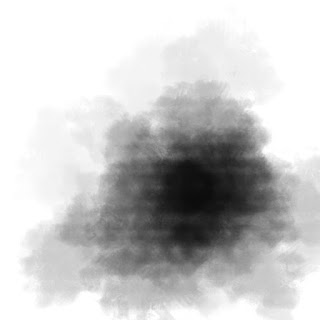
For this tutorial, I overlaid two photos of my dog and my cat in difference blending mode, cut out an interesting part, duplicated and rotated it a couple times, and ended up with this nice bleedy-watercolorish brush.


For this tutorial, I made a quick painting with india ink, water, and salt. Then I scanned it, cut out a little part, messed with the levels and blending modes, and voila: a chalky little brush.

Tuesday, January 25, 2011

Brushes!

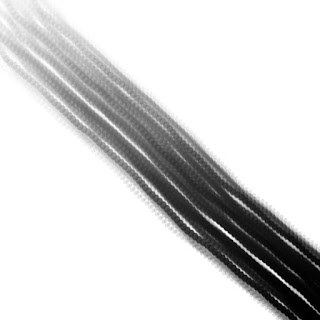
First, I made a brush that used multiple dots to create a stringy look. I've found it's great for hair!


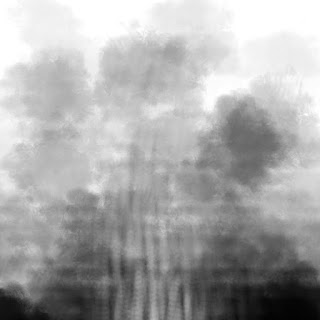
I also created a texture brush using a photograph from a play I was in back in high school.


Using this...


I was able to create this texture.


Both brushes used on top of one another...


brush


Reference photo: I took this photo when I went to Hoover Dam, AZ during the winter break 2010. I cut out a portion of the mountain and made it into a brush.